
We’ve reached 156K followers! ✨🎉
Thanks to your amazing support and love, our page has grown to this milestone 🙌💙
To celebrate, we’re giving you $10 OFF 🎁💵
Coupon: 156kfollowers
Thanks to your amazing support and love, our page has grown to this milestone 🙌💙
To celebrate, we’re giving you $10 OFF 🎁💵
Coupon: 156kfollowers
LEDEdit is one of the best software programs for programming pixel LED strings and strips. Download the most recent LEDEdit 2023 software version It is “LEDEdit 2023 V9.4“; continue programming the pixel LEDs.
This software is a Xinboled product, as you know. This is the only version of the LEDEdit software series that is still in use. In this version, many new features have been added to the software interface.
New versions of pixel LED are supported by this software. If you have an older version of the pixel LED controller, you can find download links for older LEDEdit versions further down in this article.

Download LEDEdit 2022 from the link at the bottom of this page.
Right-click the compressed package, unzip the file “LEDEdit_2022_v8.7.rar“; and generate a software folder
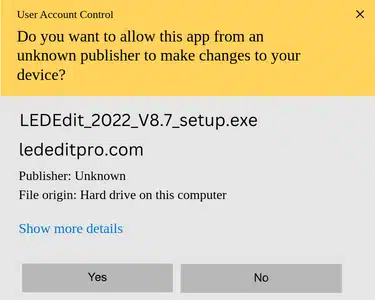
Double-click on the “LEDEdit_2022_V8.7_setup.exe” setup file.
Click on “Yes” when asked for permission.
Click on “Next” in the first setup window.
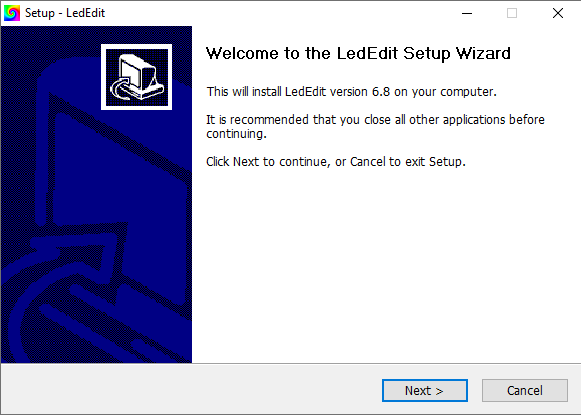
Click on “Browse” and select an installation path. If you want to install the LEDEdit 2022 in a different location, then press the “Next” button.
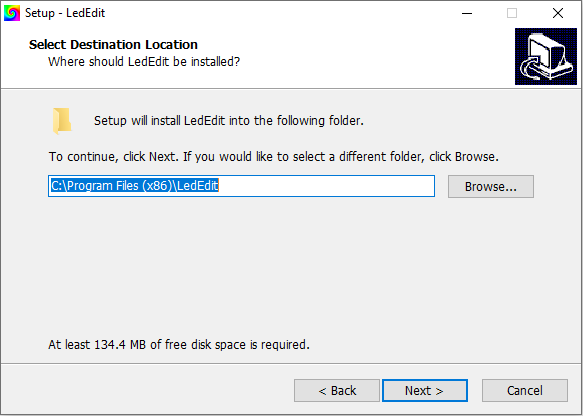
Click on “Next” in the next window.
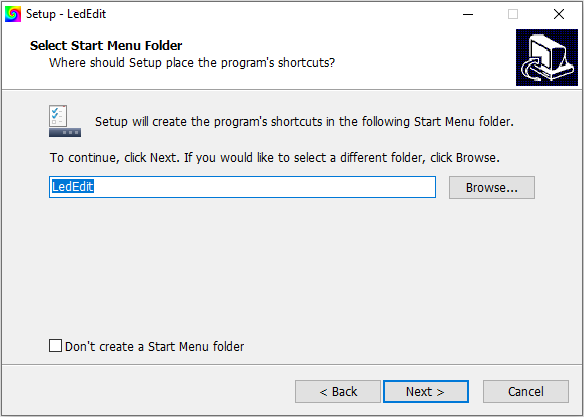
Check the boxes if you want to create shortcuts. Click on “Next“.
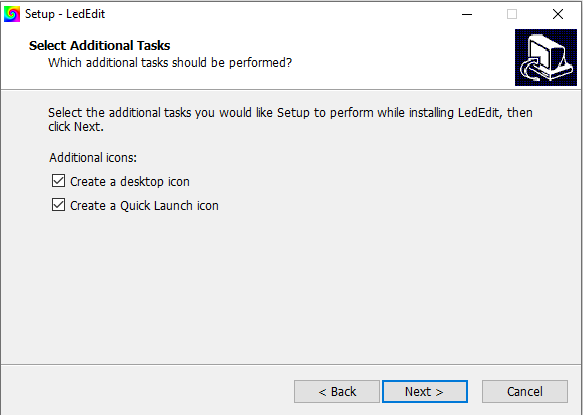
Check the previous settings and click “Install“.
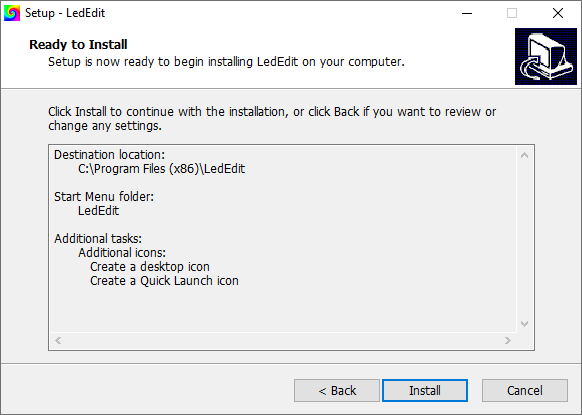
Software installation: Please wait for the progress bar to complete.
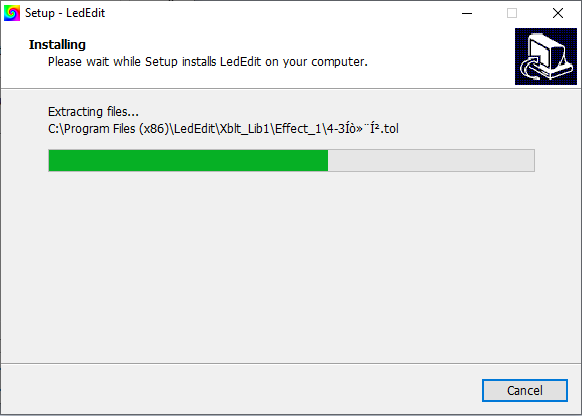
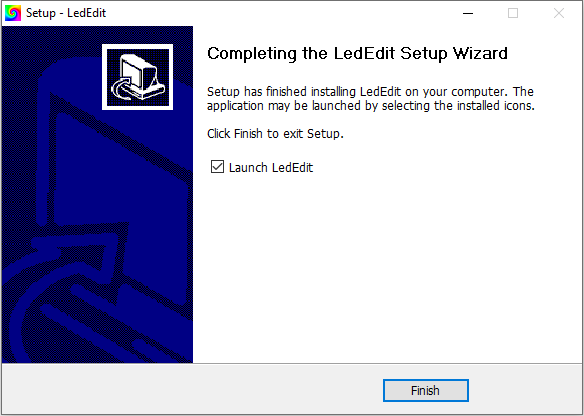
Once installed, click “Finish“.
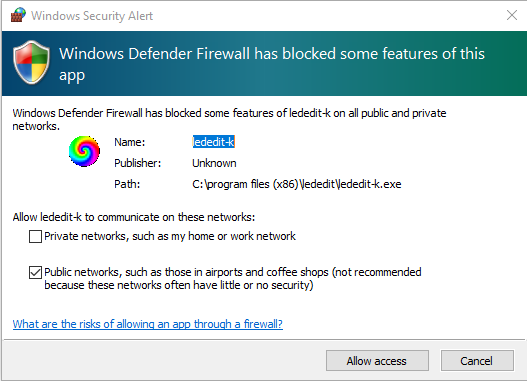
If the permissions window shown above appears, Check the boxes as you wish and click on “Allow Access“. This permission will be used to update LEDEdit software and network control. It's your choice.
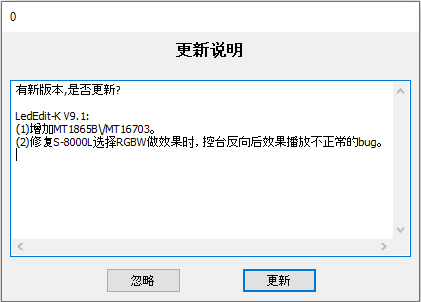
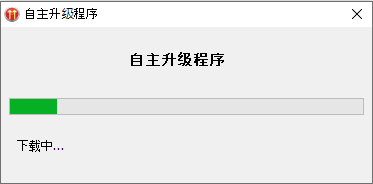
When the LEDEdit software starts, this pop-up dialogue will appear. It asks you, “Do you wish to update?” To update, click on the right side button; to cancel, click on the left side button. If you choose not to update LEDEdit, version 8.7 will be installed on your system.
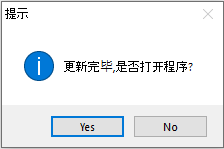
To start the new updated version of the LEDEdit software, click “Yes“.
If you like LEDEdit, you may also like:
We hope you find this tutorial useful. Thanks for reading.

muibuen programa
como instalar windos 10
Ok