


Product Specifications:
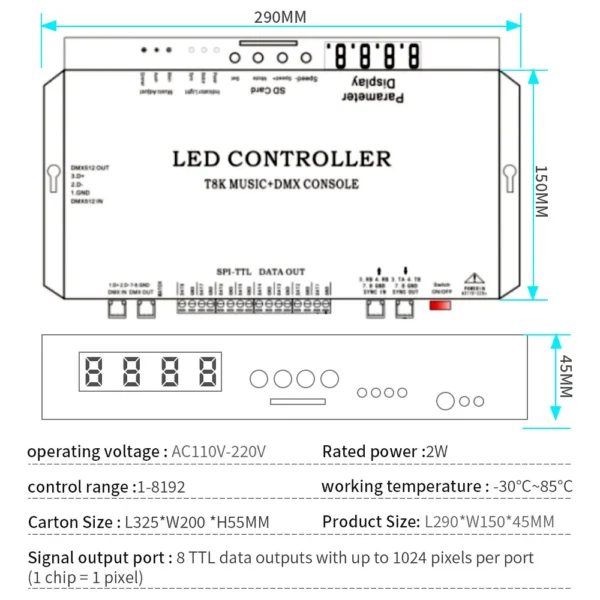
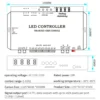
Operating Voltage: AC 110V-220V
Rated Power: 2W
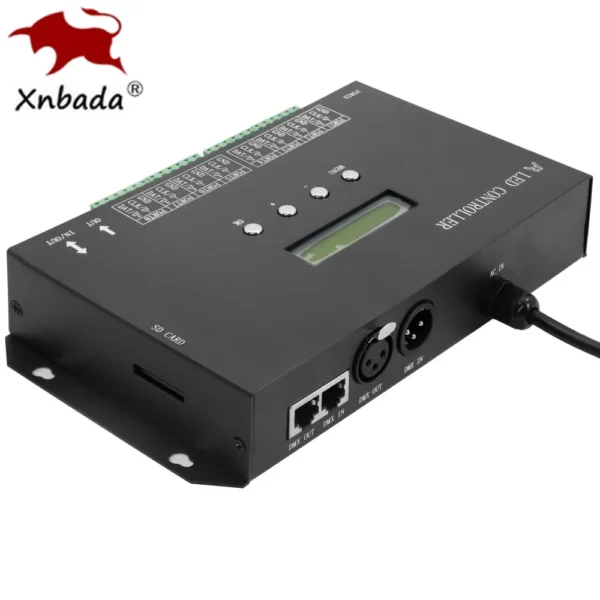
Signal Output Ports: 8 TTL data output ports, each capable of supporting up to 1024 pixels (1 chip = 1 pixel).
Control Range: 1-8192
Operating Temperature: -30°C to 85°C
Product Dimensions: 280 x 150 x 45 mm
Net Weight: 1 kg
System Features:
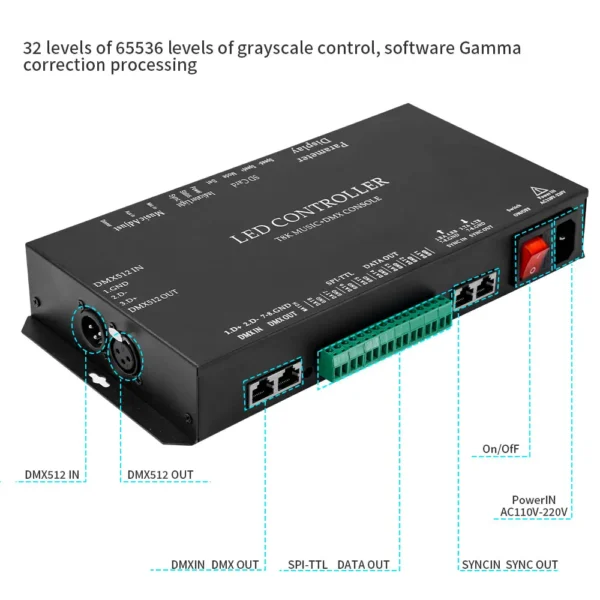
Gray Control: 32-65536 gray levels with software Gamma correction.
Support for Various Light Sources: Compatible with point, line, and area light sources; supports multiple rules and special-shaped processing.
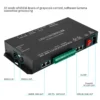
Multiple Output Ports: The controller features 8 output ports, with each port supporting 1024 pixels.
Audio Inputs: Includes MIC (Mic in) and headphone (Aux in) audio input interfaces. Audio reception sensitivity can be adjusted via the Dimmer knob on the panel.

Luminaire Connection:
Compatibility: Suitable for lamps and lanterns with a single-wire IC.
Wiring Instructions:
Conventional Wiring: Connect GND to the controller's GND port, and the DAT wire to the controller's DAT port. Connect the power supply's positive and negative terminals to the respective poles of the lamp.
Breakpoint Resumption: Normally, the lamp's signal line (breakpoint resumption) and GND wire should connect to the controller's GND port, while the lamp’s DAT wire connects to the controller's DAT port. Ensure the power supply connections are consistent with the lamp's voltage specifications.
Power Supply Compatibility: Typically, LED strips operate on a low-voltage supply ranging from DC 5V to 24V. Always match the power supply with the lamp's voltage requirements.
Parameter Settings:
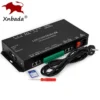
Controller Panel: Equipped with 4 operation buttons and 4 digital displays.
SD Card Insert: Upon insertion of the SD card, “S-XX” will be displayed.
Chip Selection: Press the Set key to select the appropriate chip for the lamp. Supported chips include: WS2811, WS2812B, UCS1903, UCS1912, TM1803, TM1804, TM1809, TM1812, UCS2903, UCS2909, UCS2912, 8205, 8206, SM16703, TM1914, and more. Contact us if additional chip support is needed.
Speed Adjustment: Adjust playback speed using the Speed- and Speed buttons. The display will show “S XX” to indicate the current speed.
Mode Adjustment: Change the program mode by pressing the Mode button. “P-XX” appears in normal mode, “C-XX” in music mode. Long-press to switch between modes.
Save Settings: Once settings are complete, wait 8 seconds for the controller to save the configuration. No need for reconfiguration on future power-ups.
DMX Console Connection: In P mode, the controller can connect to a DMX console. If “d001” is displayed, the connection is successful.
Error State: If the SD card is not inserted at startup, “E-15” will be displayed.
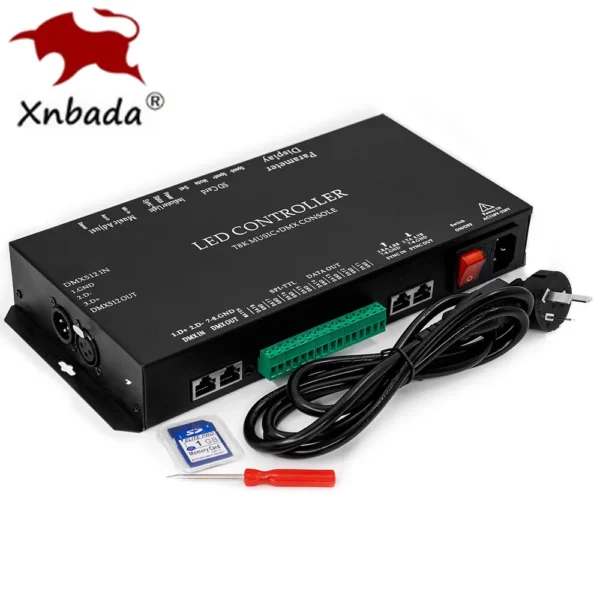
SD Card Included: Comes with a 1GB SD card preloaded with 96 test programs, supporting FAT and FAT32 formats and storing *.led files.

Instructions for Use:
Program Creation: In P mode, select T-8000-1903 or K-8000 as the controller model in the software. Copy the completed file to the SD card and insert it into the controller. (Power off before inserting to avoid damage.)
Synchronization: Multiple controllers can be synchronized via network cable cascading.
Program Switching (P Mode): Press the Mode button to cycle through programs. “A-01” will loop through all programs.
Program Timing (C Mode): In music mode, use an Excel file named “music.csv” on the SD card to set the playback time for each program. Each line corresponds to the duration of a program. The maximum time is 30,000 seconds.
Music Synchronization: In cascade mode, only the first controller receives the music signal; subsequent controllers sync with the first.
Playback Modes: C mode allows for two effect modes—volume control amplitude (below 800 frames) and volume control speed (above 800 frames). Adjust sensitivity using the Dimmer knob.
DMX Console Features: In P mode, connect the controller to a DMX console. The display “d001” confirms the connection.
DMX Console Channels: Control 6 channels on the DMX console—program selection, speed, brightness, and RGB adjustments.
Additional Features:
Chip Compatibility: Supports a wide range of chips including UCS19**, UCS29**, TM18**, WS281*, SM1670*, GS8205, GS8206, 6812, 9823, 9883, and many more. Custom chip support is available upon request.
DMX Address Adjustment: Adjust DMX addresses using the Speed- and Speed buttons. Each press increments or decrements by 3. Ensure that DMX addresses for multiple controllers are at least 6 apart.
Multi-Controller Synchronization: When cascading multiple controllers, only the first controller needs manual configuration. Ensure the SD card programs and speed settings match across all controllers.





Reviews
There are no reviews yet.