

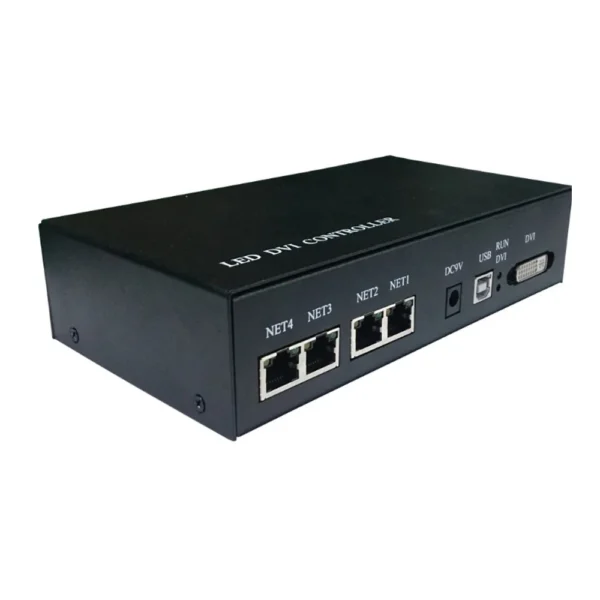

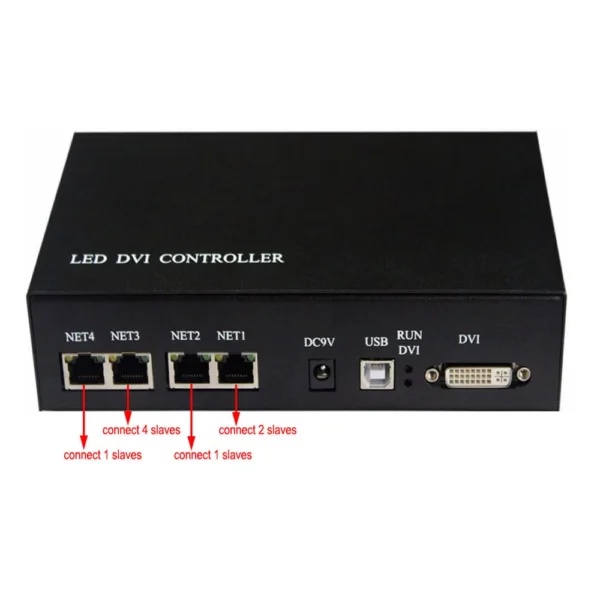
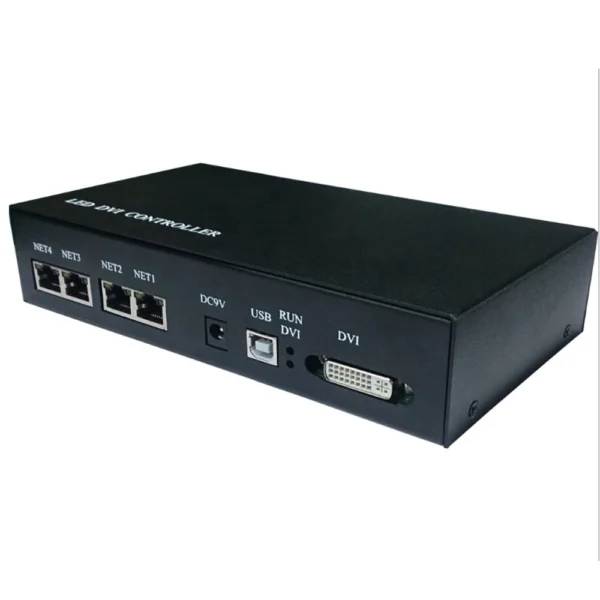
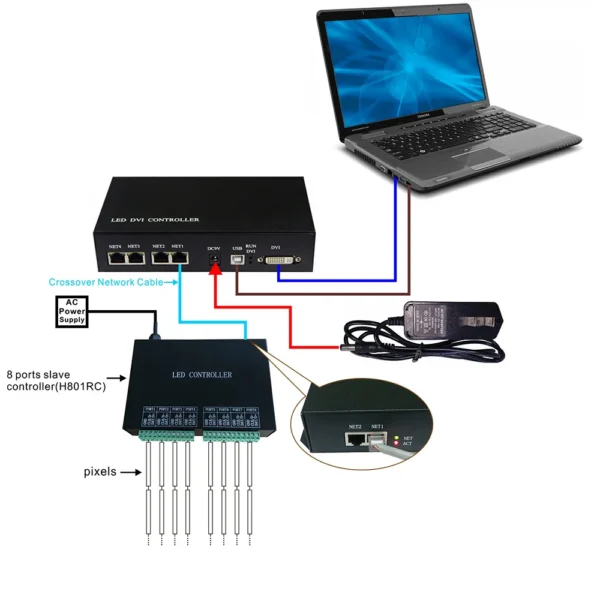
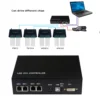
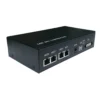

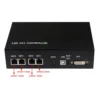
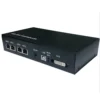
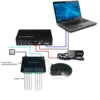
LED SPI Controller DMX Master Console LED DVI Controller Support MADRIX Jinx Max 400000 Pixels Screen Capture Controller
1. Features
- H803TV is an online master controller that transmits data over a DVI/HDMI interface.
- Four network interfaces drive a maximum of 400000 pixels.
- It supports dual-monitor mode, multi-monitor extension mode, and duplication mode.
- Support the following resolutions: 1024×768, 1280×720, 1280×960, 1280×1024, 1360×765, 1360×1020, 1600×900, 1600×1200.
- Use the autorun USB to transmit and control data, which is applied to both 32-bit and 64-bit operating systems.

2. Specifications
- Input Voltage: DC9V
- Power Consumption: 1W
- Drive Pixels Number: 400000
- Weight: 1KG
- Dimension: L183 x W139 x H40
- Carton Size: L205 x W168 x H69
3. Supported driver chips
LPD6803, LPD8806, LPD1882, LPD1889, LPD6812, LPD1883, LPD1886, DMX512, HDMX, APA102, MY9221, DZ2809, SM16716, SM16711, UCS6909, UCS6912, UCS1903, UCS1909, UCS1912, WS2801, WS2803, WS2811, WS2812, INK1003, TM1812, TM1809, TM1804, TM1803, TM1913, TM1914, TM1926, TM1829, TM190, TM1814, BS0901, BS0902, BS0825, BS0815, LY6620, BS0825, LD1510, LD1512, LD1530, LD1532, TLS3001, TLS3002, DM412, DM413, DM114, DM115, DM13C, DM134, DM135, DM136, MBI6023, MBI6024, MBI5001, MBI5168, MBI5016, MBI5026, MBI5027, 74HC595, 6B595, TB62726, TB62706, ST2221A, ST2221C, XLT5026, ZQL9712, ZQL9712HV, HEF4094, A8012, etc.
Note: H803TV supports more than the chips listed above(some chips have the same sequence diagram, such as UCS2903 has the same sequence diagram as UCS1903, so H803TV supports them all).

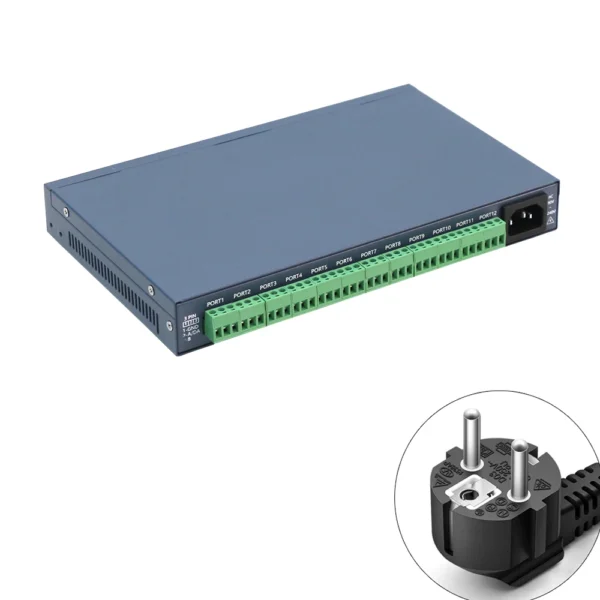
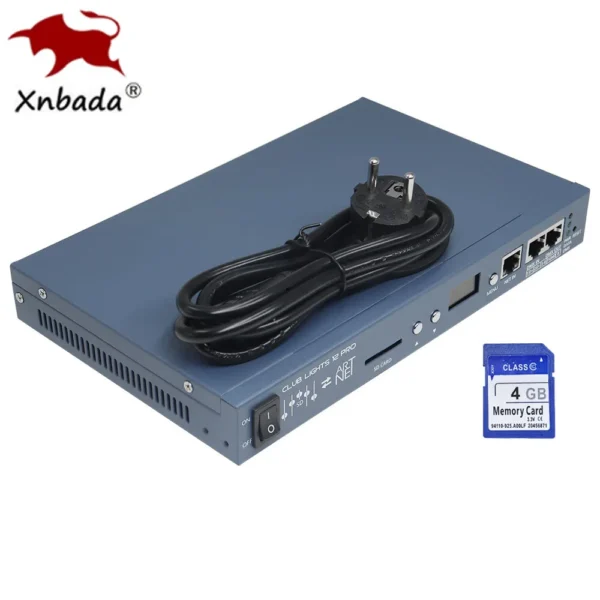
4. Controller and Accessories display

USB cable

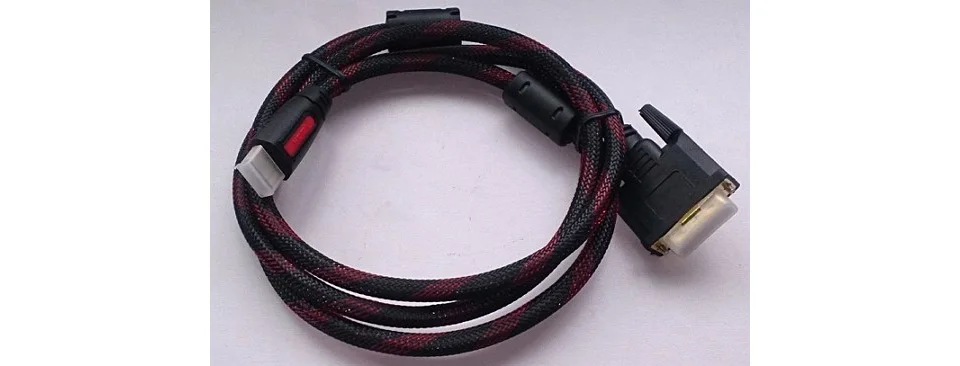
HDMI/DVI cable
Adaptor (9V DC 1A output)

5. Package Include
1 pc controller, 1 pc USB cable, 1 pc DVI cable, 1 pc adaptor
6. Basic Workflow
Step 1. Set them up

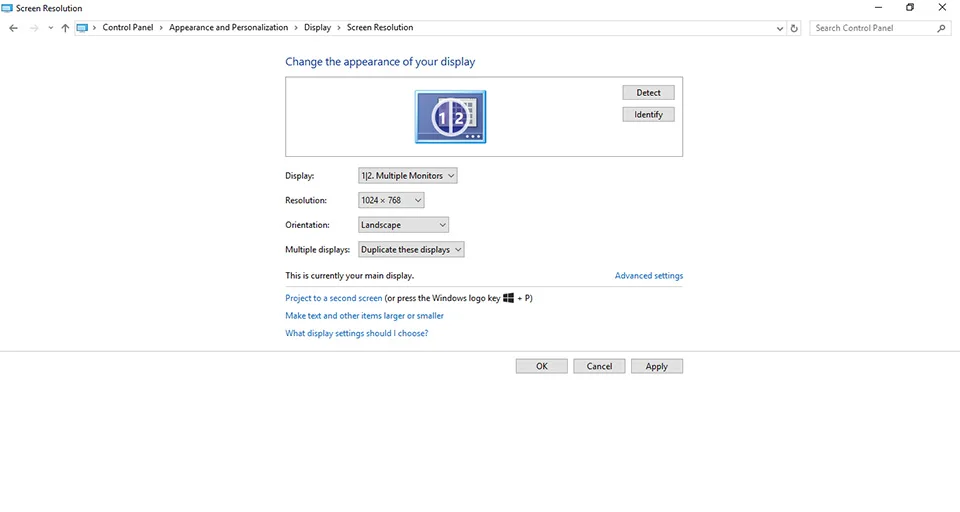
Step 2. Change the appearance of display
Press WIN+X on the keyboard


Please refer to the following settings
Note:
1). H803TV supports the following resolutions:1024×768, 1280×720, 1280×960, 1280×1024, 1360×765, 1360×1020, 1600×900, 1600×1200.
2).It supports dual-monitor mode, multi-monitor extension mode, and duplication mode.
In this manual, I have chosen 1024×768 and duplication mode as examples.
Then, click “Apply” and then “OK”.
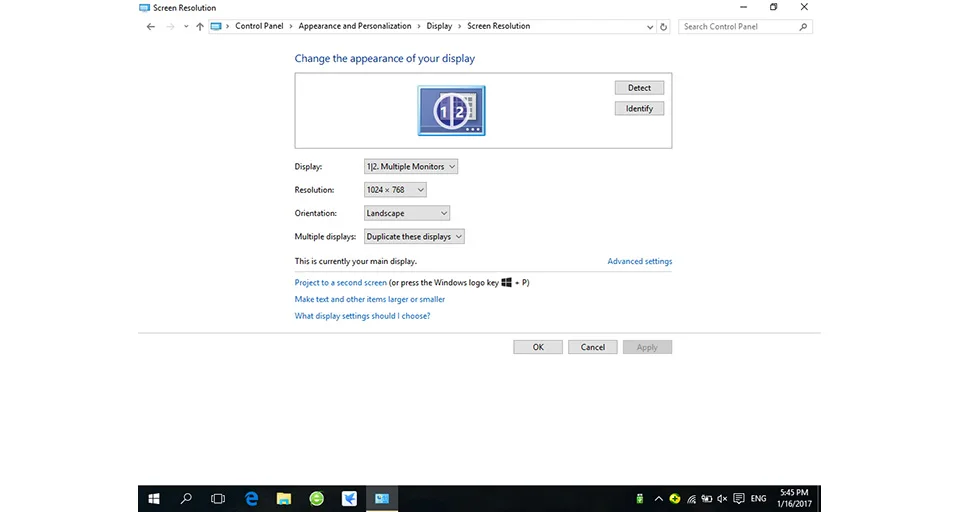
The visible area of your screen should be 1024×768 now.
Step 3. Configure LED Studio
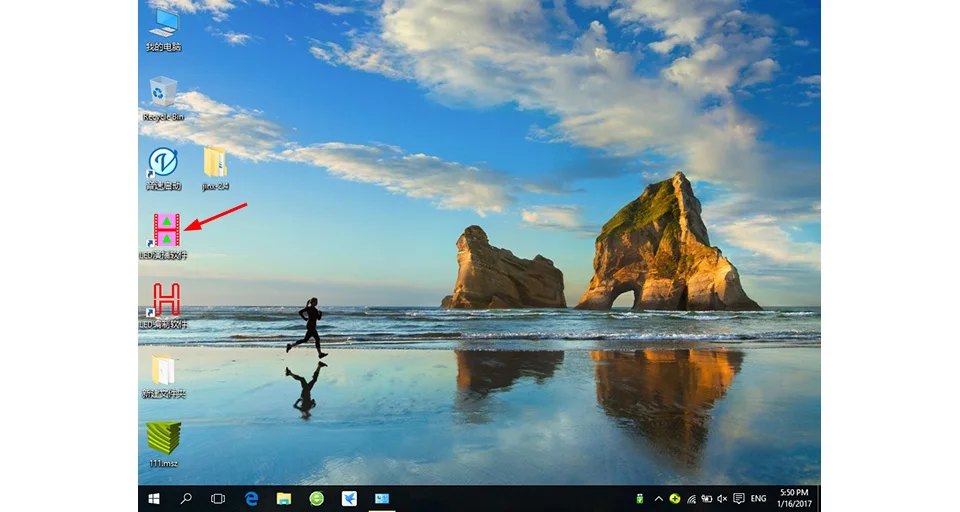
Open it
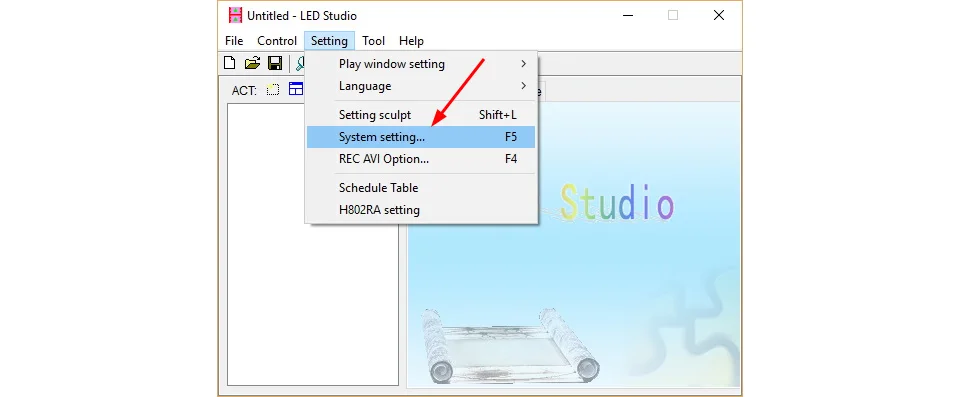
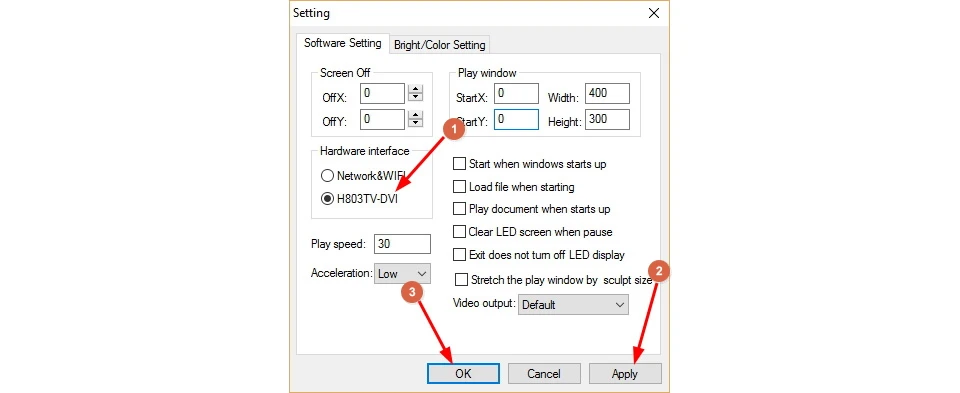

Password is not needed

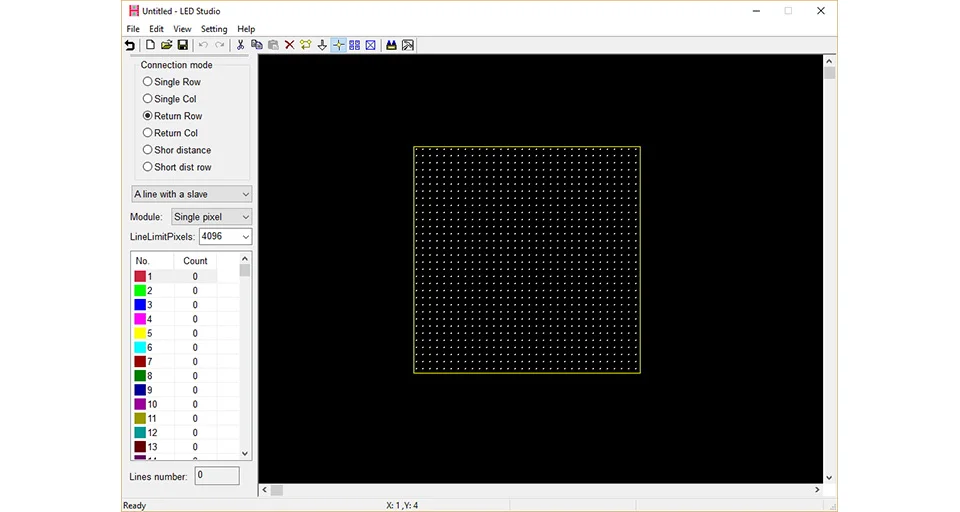
For example, if you have a 64(pixels) by 64(pixels) screen. Click the following icon or “File” — “New”.


Then, click “Apply”, which pops up the following window.
Origin position: the top left corner of your screen, normally, I set X, Y both to 0


Then, click “OK”

Note:
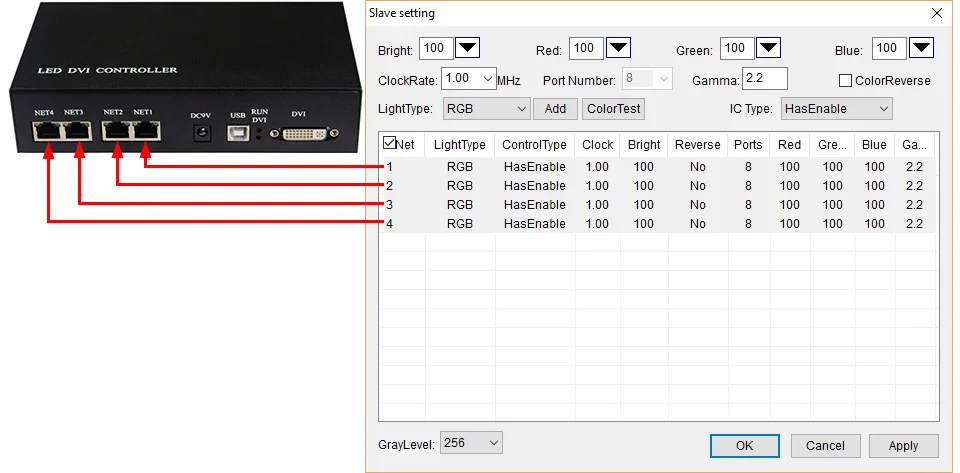
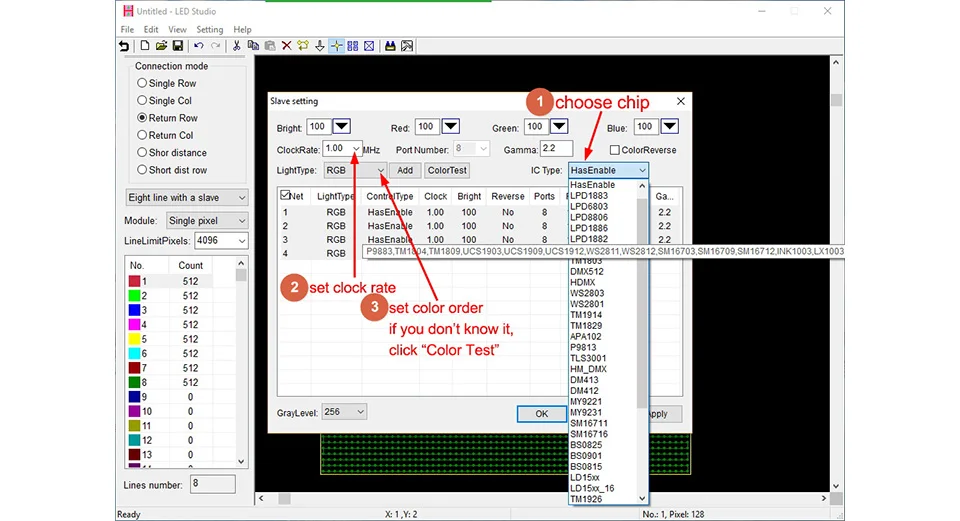
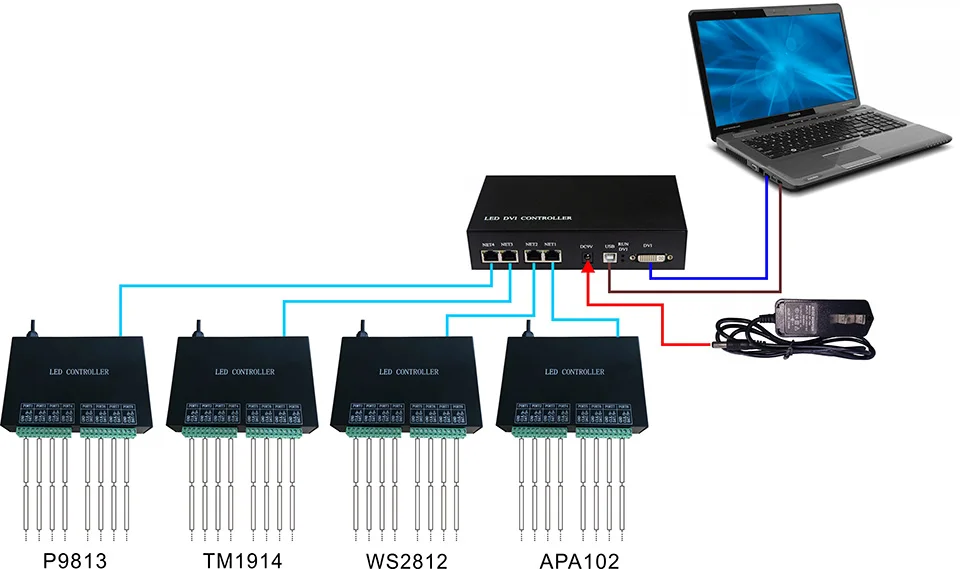
Four ports of H803TV can drive different chips; each port can be configured individually.

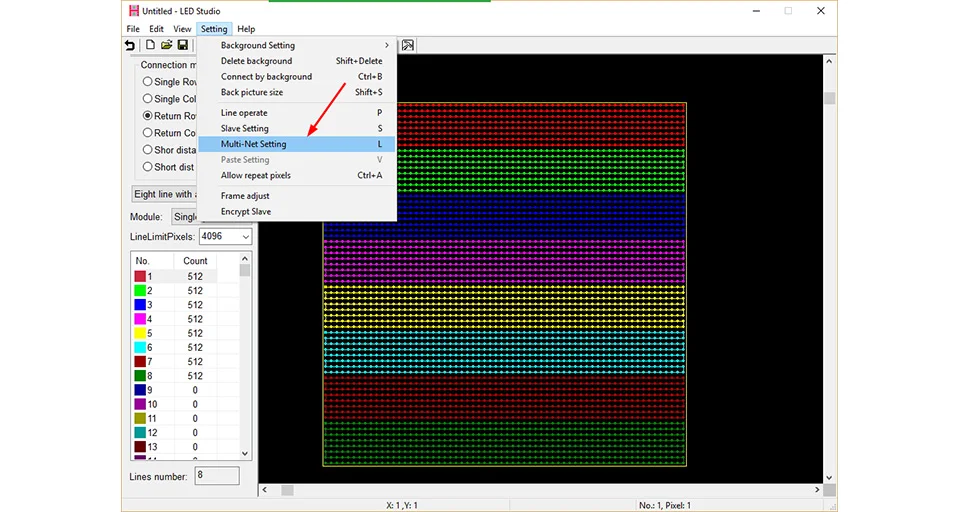
Click the menu “Setting” — “Multi-Net Setting”
For example, if there are 8 slave controllers.

You can distribute slave controllers to each Net of H803TV


Then, click “File” — “Send to H803TV”
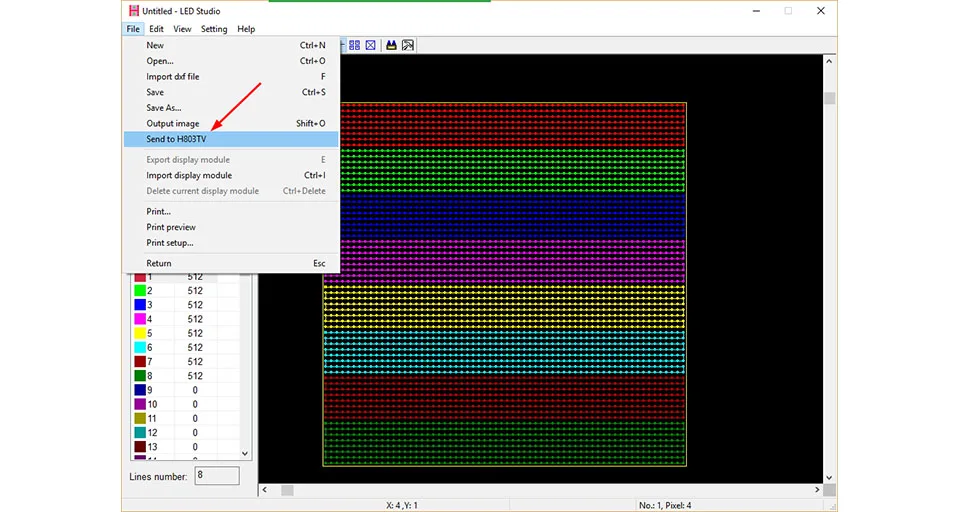
Software will remind you again, just enter the coordinate and click “OK”.
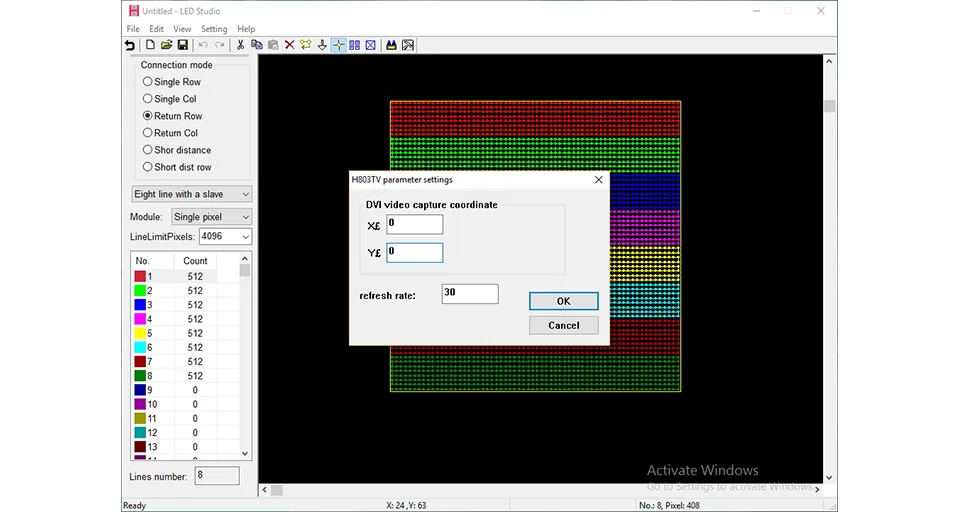

Then, save all these settings and go back to the main window.


In MADRIX


In Jinx!
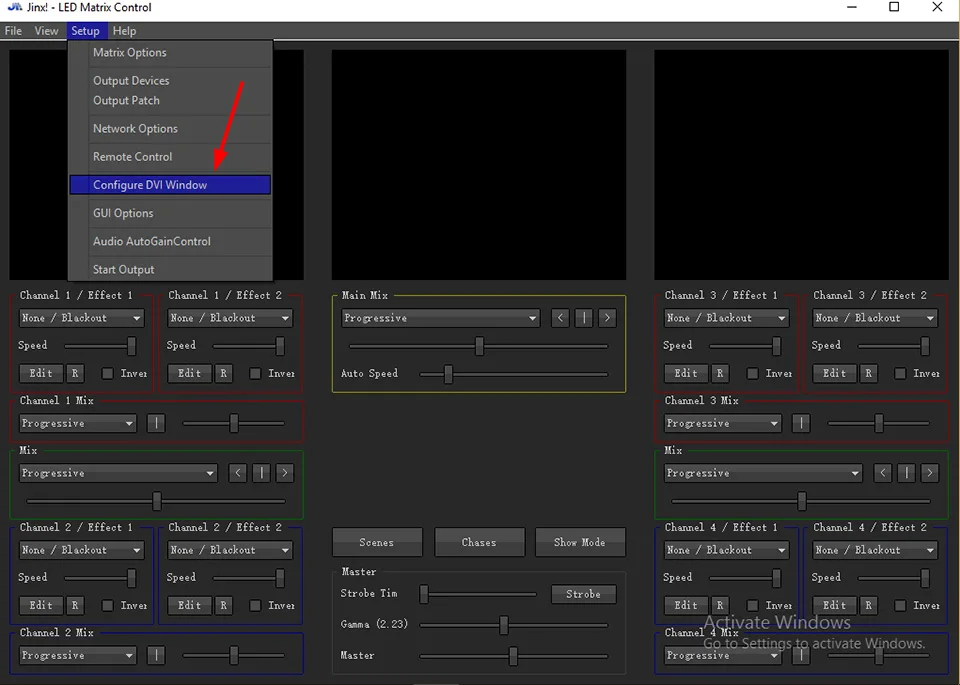

6. You can also connect multiple H803TVs to a DVI distributor, Each H803TV just controls part of the screen






LEDEdit TM –
Pixel LED Effects Download Pack: 7000 Effects for LEDEdit
https://lededittm.com/pixel-led-effects-download-pack-7000-effects-for-lededit
Pixel LED Effects Download Pack For LEDEdit, NeonPlay, LEDEasy, LEDBuild, Madrix, Jinx, and Glediator.
The best video effects and animations for Pixel LED software.
– Files: 7000+
– Size: 25 GB+
– Formats: SWF, TOL, AVI, MP4, and GIF