
We’ve reached 156K followers! ✨🎉
Thanks to your amazing support and love, our page has grown to this milestone 🙌💙
To celebrate, we’re giving you $10 OFF 🎁💵
Coupon: 156kfollowers
Thanks to your amazing support and love, our page has grown to this milestone 🙌💙
To celebrate, we’re giving you $10 OFF 🎁💵
Coupon: 156kfollowers
Original price was: $234.46.$51.00Current price is: $51.00.
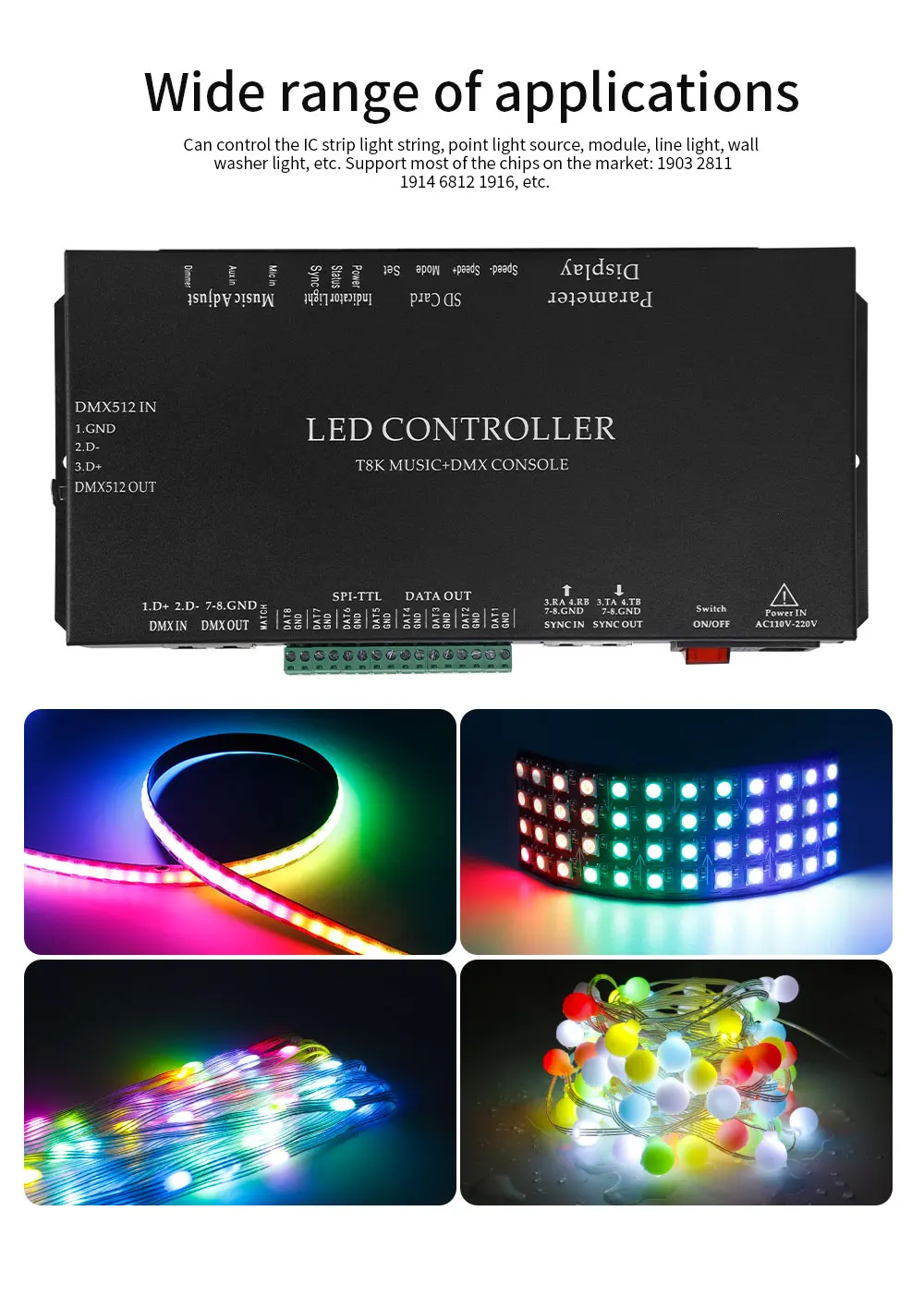
1. When making the effect program, select the controller model T-8000-1903 or K-8000 in the software, and copy the finished file to the SD card and insert it into the controller for use. (Please turn off the power and plug the card to avoid burning the card)
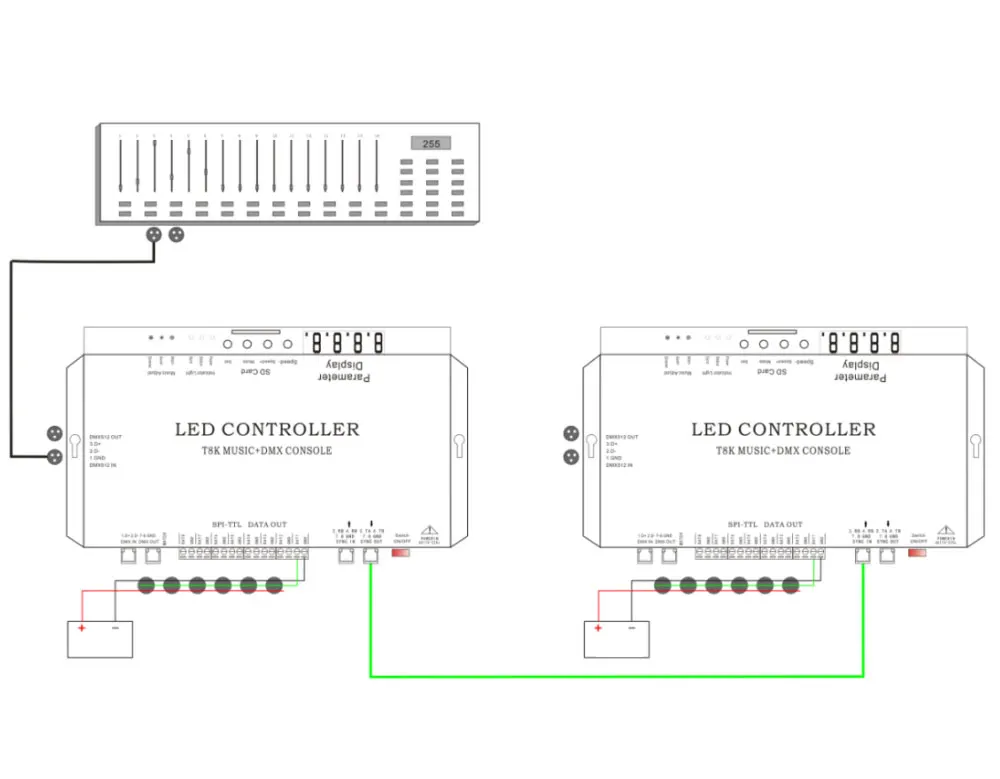
2. Multiple controllers can be synchronized through a network cable cascade.
3. Press the Mode button in P mode to switch programs, and A-01 will be displayed as a loop for all programs.
4. The time of the multi-program cycle (A-01) in C mode can be set by an EXCEL configuration file in the SD card to set the playback time of each program; the file name is music.csv. Each line corresponds to the sequence of the file program number, the first line of numbers corresponds to the number of seconds of the first program, the second line is the number of seconds of the second file program, if the number is 5, it means that the playback of 5 seconds switches to the next program, the maximum number is 30000 seconds, if there is no such playback time profile or error, the default playback time is 1 minute per program.
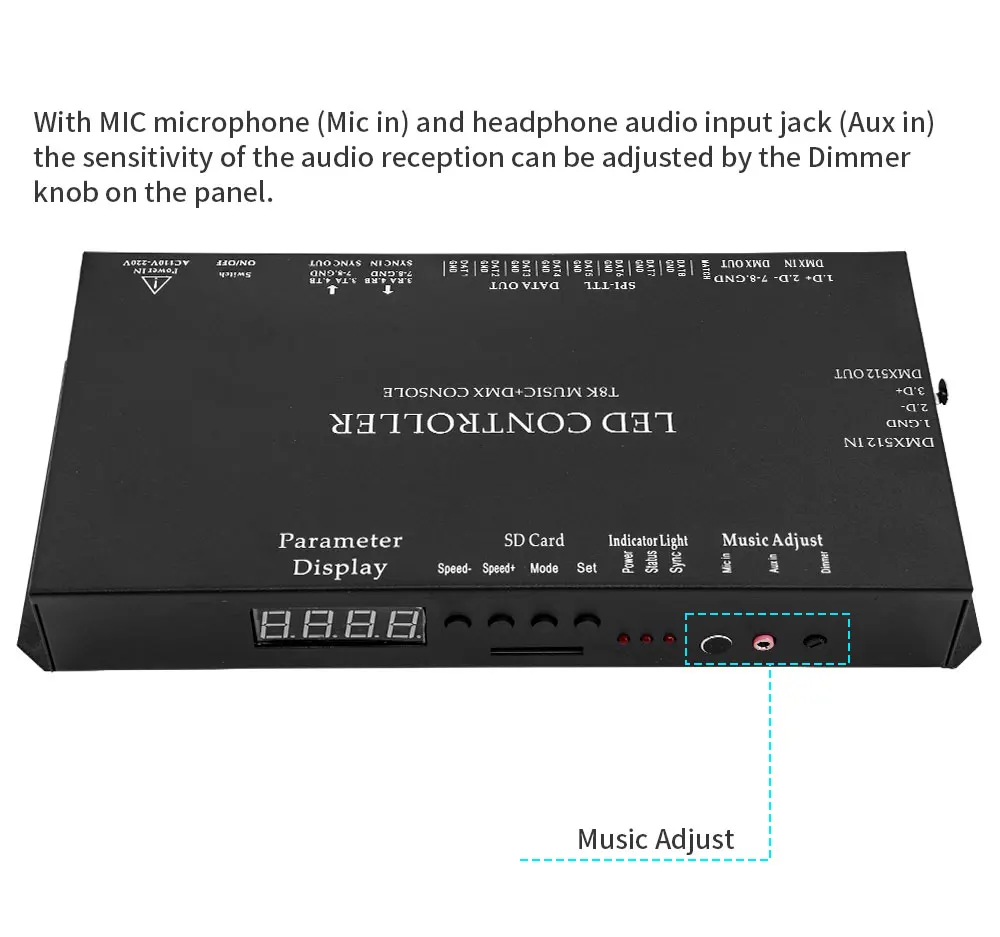
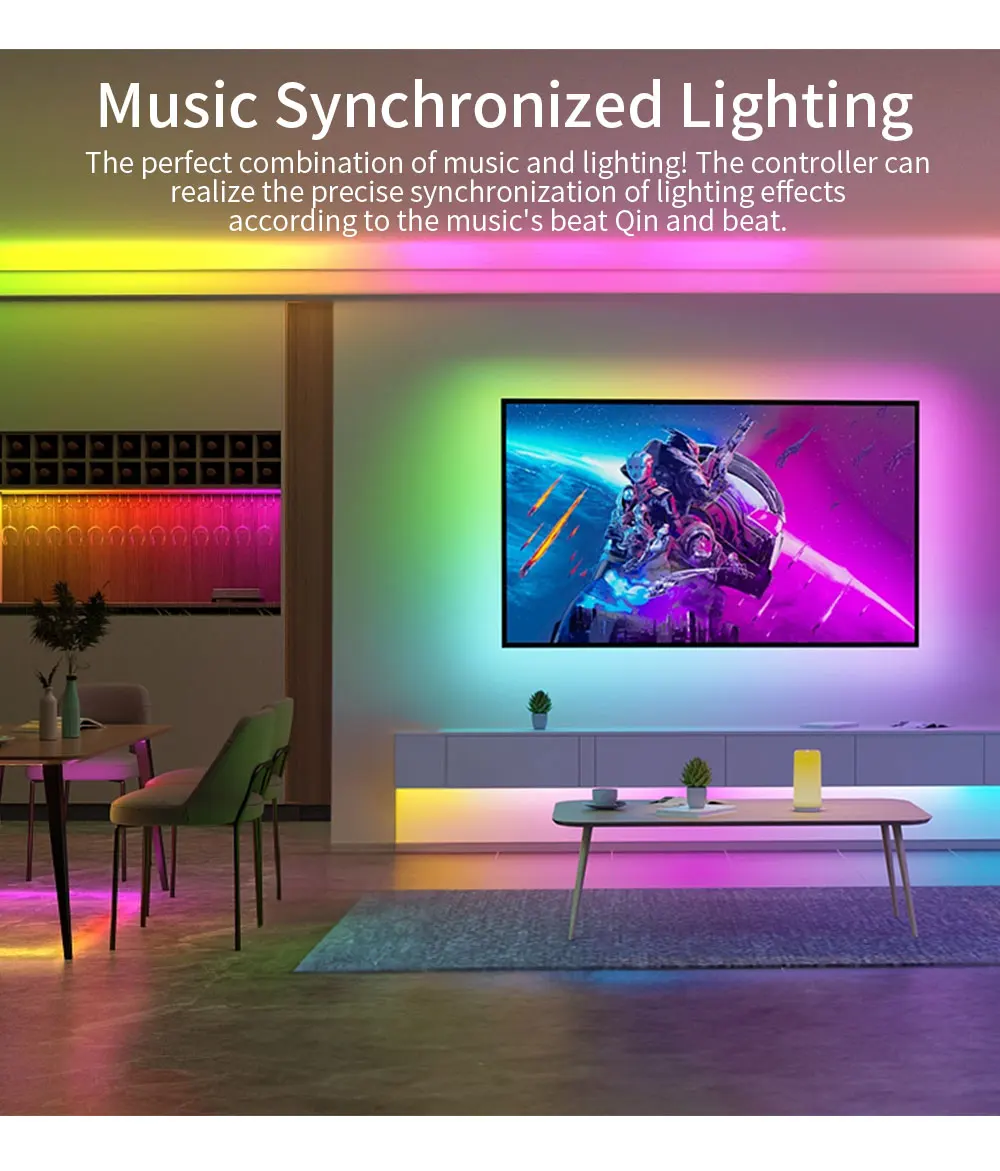
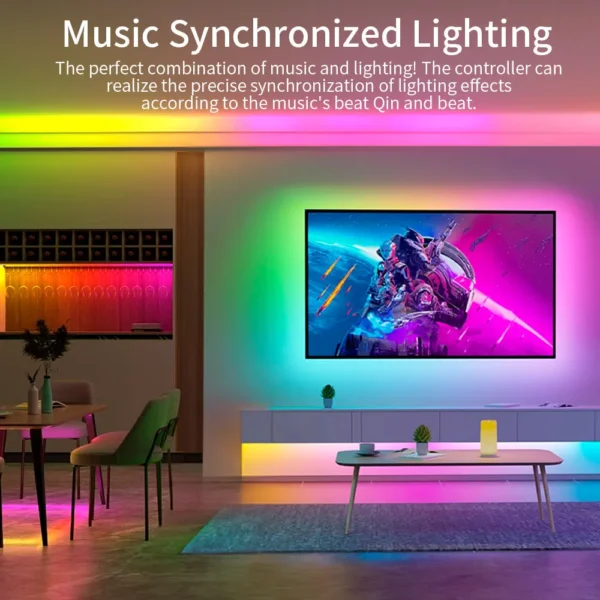
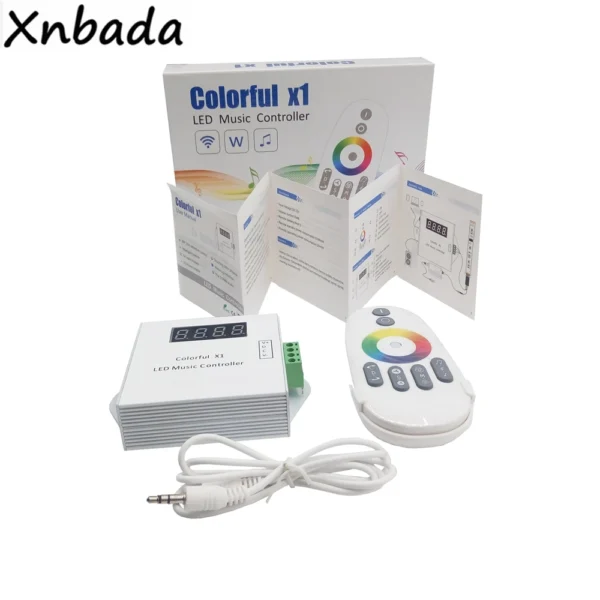
5. Each controller has a microphone and headphone jack. In the cascade mode, only the host receives the music signal, and the slave in the back cascade only receives the synchronization signal of the host.
6. The controller can support up to 80 programs to play in a loop, which can bring diverse and non-repetitive cool effects to the music.
7. C mode, the controller can have two playback forms for the production effect. Below 800 frames, the volume control is in amplitude mode; above 800 frames, it is in speed mode. Press the Set key to adjust the sensitivity of the music control (volume and speed) from H-01 to H-12, which further enhances the display effect and makes the scene more immersive. In addition, there is an adjustable sensitivity knob (Dimmer) on the controller panel to further adjust the music visuals.
8. In P mode, the controller can be connected to the DMX console for use, and the display of d001 indicates that the connection is successful. dXXX is the first segment of the DMX address occupied by the controller.
9. When the controller is connected to the DMX console, it has 6 channels: 1. Program adjustment, 2. Speed adjustment, 3. Overall brightness adjustment, 4. Red brightness adjustment, 5. Green brightness adjustment, 6. Blue brightness adjustment.
10. Adjust the program selection, speed selection, total brightness selection, and RGB brightness of the three colors played by the controller through the console fader.
11. In the dXXX state, you can adjust the DMX address of this controller by pressing the buttons Speed- and Speed, adding or subtracting 3 per press. If you need to use multiple DMX controllers on site, you can adjust the addresses of each device differently, and the address numbers should be separated by at least 6, for example, when one is d001, the other can be adjusted to d007…. And so on.
12. P mode, select the control chip through the Set key on the panel, supported chip models: UCS19**, UCS29**, TM18**, WS281*, SM1670*, GS8205, GS8206, 6812, 9823, 9883, TM1914, LPD1886, 6803, 5109, 8109, 8806, 16716, 9813 and DMX, DMX512 and other chips, If you need to add support for other chips, please let your vendor know.
13. After the button adjusts the appropriate playback speed, you need to wait for 8 seconds after playing the program control chip, and the controller will save the information set by the button just now, and you don't need to set it again next time you turn it on.
14. Multiple controllers are cascaded; only the first controller needs to be controlled. Each controller should be plugged in, and the number of programs in the card should be the same, and the number of program points and speed with the same serial number should be the same.
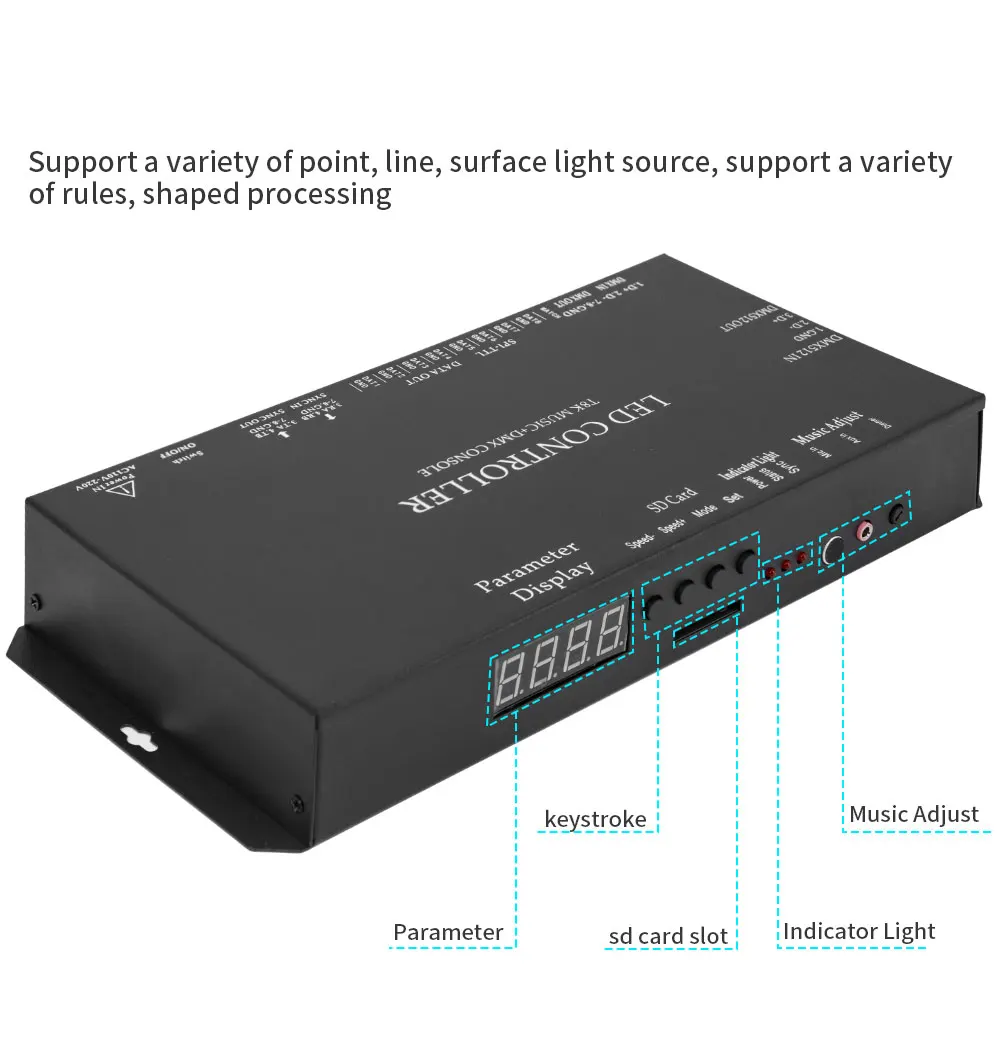
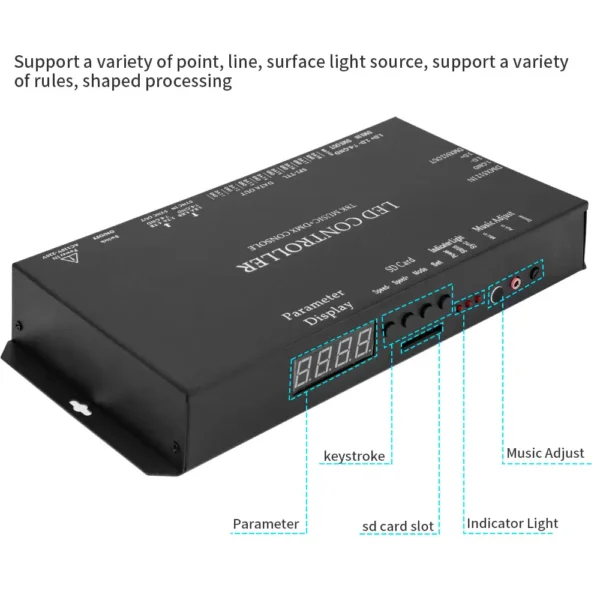
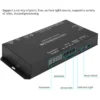
1. There are 4 buttons on the controller operation panel, and 4 are digital displays.
2. Turn on after inserting the SD card, and the S-XX will be displayed.
3. Press the Set key to display XXXX and select the chip of the lamp. The controller only supports single-wire chips: WS2811, WS2812B, UCS1903, UCS1912, TM1803, TM1804, TM1809, TM1812, UCS2903, UCS2909, UCS2912, 8205, 8206, SM16703, TM1914, etc. If you need to add other chips, please contact us.
4. Adjust the program playback speed by pressing the keys Speed- and Speed. (Display S XX)
5. Adjust the program mode by pressing the Mode button. P-XX is displayed in normal mode, C-XX is displayed in music mode, and long-press the Mode button to switch between normal mode and music mode.
6. After the playback speed, playback program, and chip selection settings are completed, wait for 8 seconds until the display shows S-XX, and the controller saves the setting information, and there is no need to re-set it next time you turn it on.
7. In P mode, the controller can be connected to the DMX console, and if d001 is displayed, the connection is successful.
8. If you don't plug in the SD card to turn on, the E-15 is displayed.
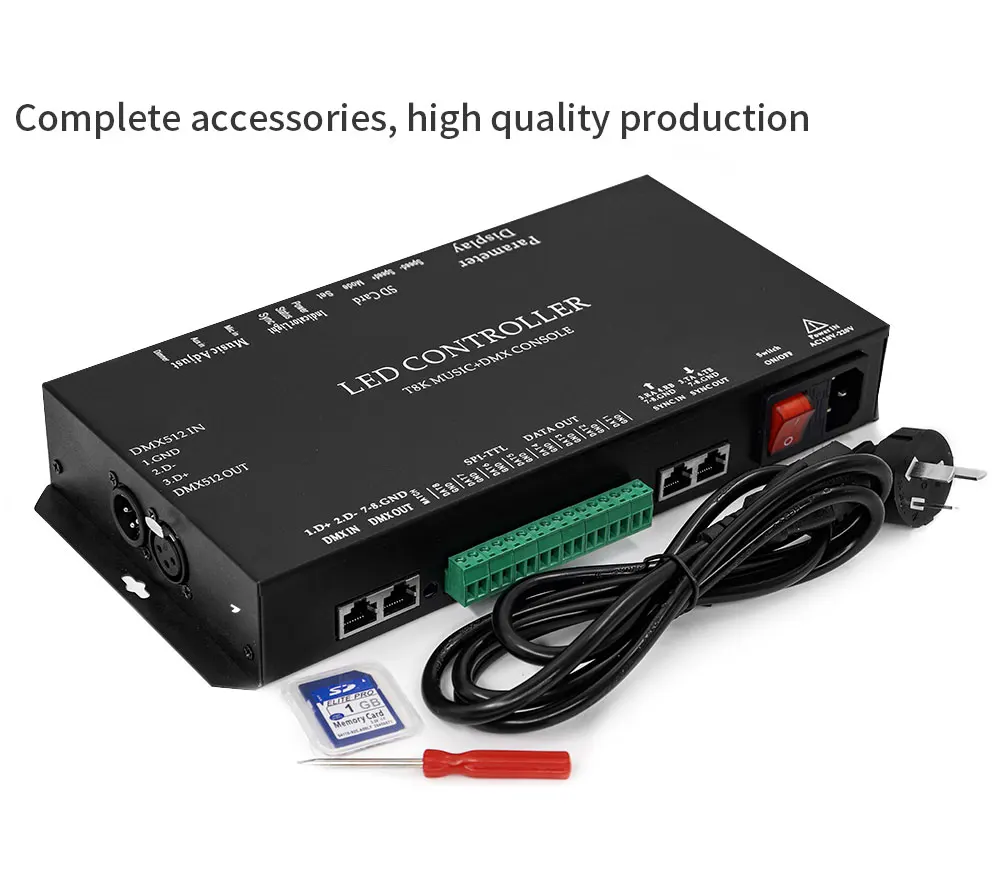
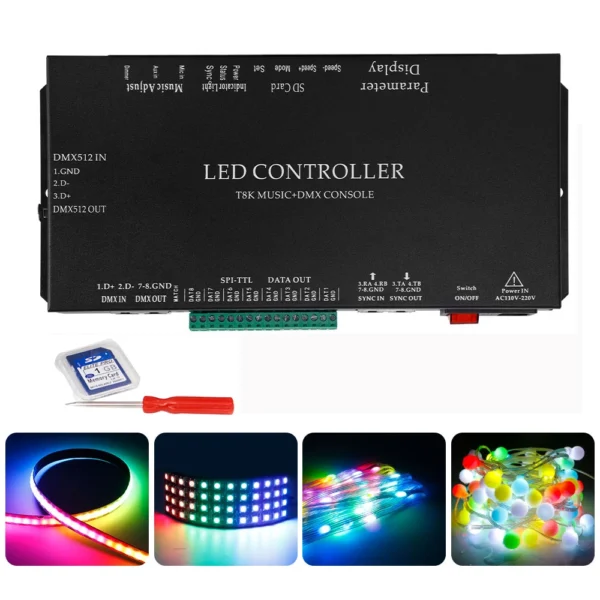
9.T8K controller comes standard with 1G capacity SD card, 96 test programs, supports FAT and FAT32 formats, and stores file formats*.led.
1. Suitable for lamps and lanterns with a single-wire IC.
2. Conventional wiring: GND wire connection controller GND port of lamp fixtures, DAT wire connection controller DAT port of lamps and lanterns, and then connect the positive and negative poles of the power supply.
3. Breakpoint resumption: Under normal circumstances, the lamp has a signal line (breakpoint resumption) and a GND wire connection controller GND port, lamp DAT wire connection controller DAT port, and lamp positive and negative poles connected to the positive and negative poles of the power supply. (Some IC backup signal lines are connected to the controller DAT)
4. Generally, the LED color strip uses a low-voltage power supply, the power supply voltage is between DC5V-24V, and the matching of the power supply should be consistent with the actual specifications of the lamp.
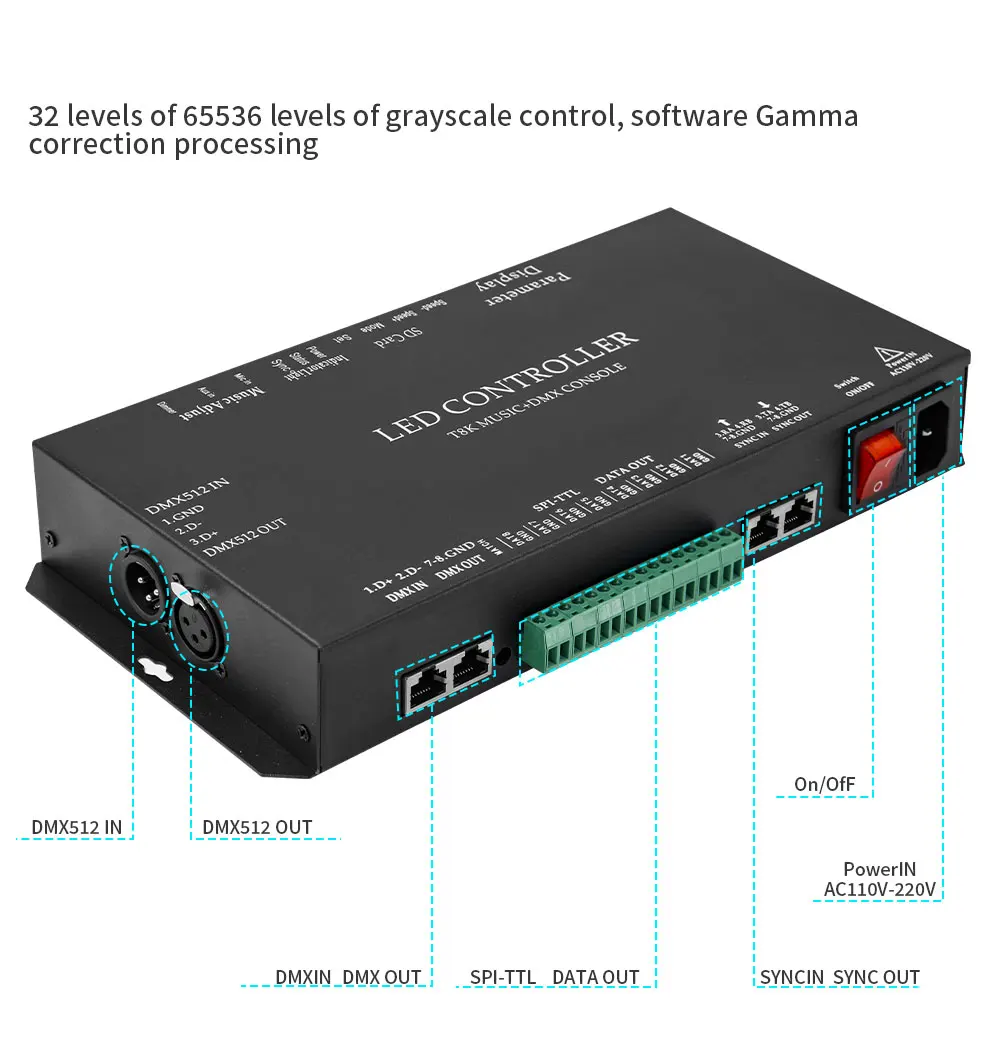
1.32-65536 gray control, software Gamma correction processing.
2. Support all kinds of point, line, and area light sources, support various rules, and special-shaped processing.
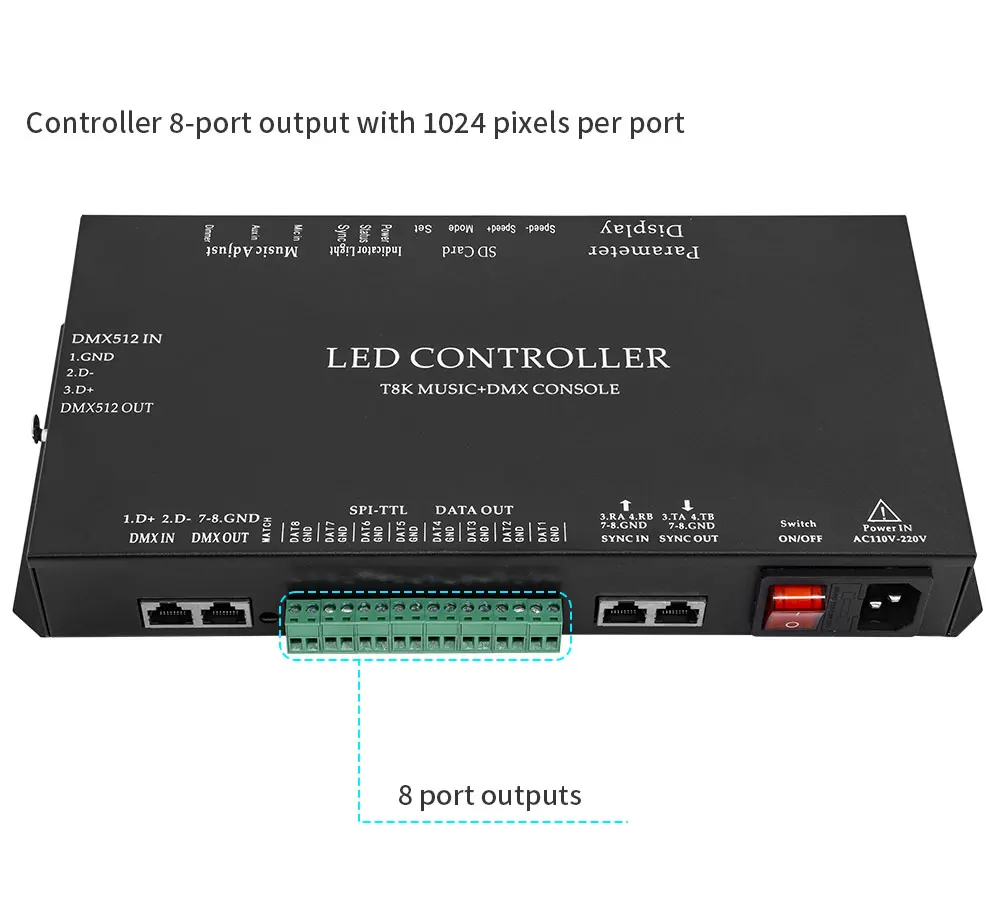
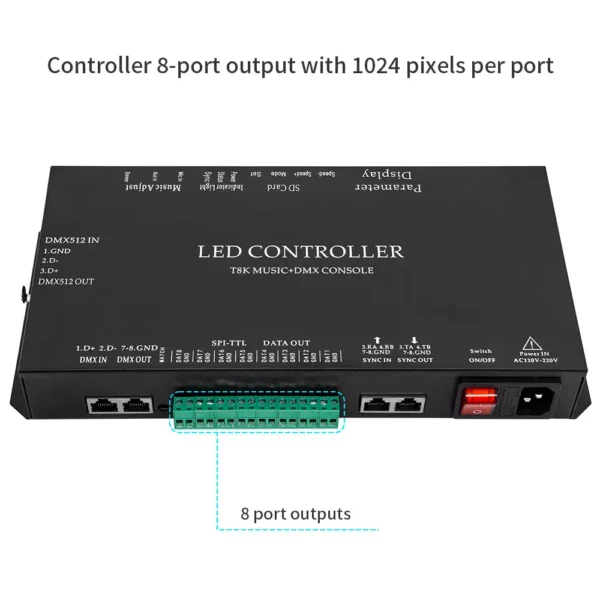
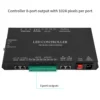
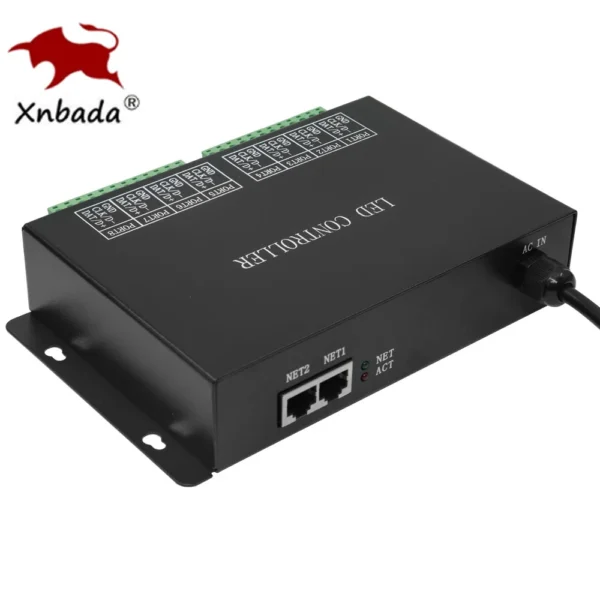
3. The controller has 8 port outputs, and each port can carry 1024 pixels.
4. With MIC microphone (Mic in) and headphone audio input interface (Aux in), adjust the sensitivity of audio reception through the Dimmer knob on the panel.
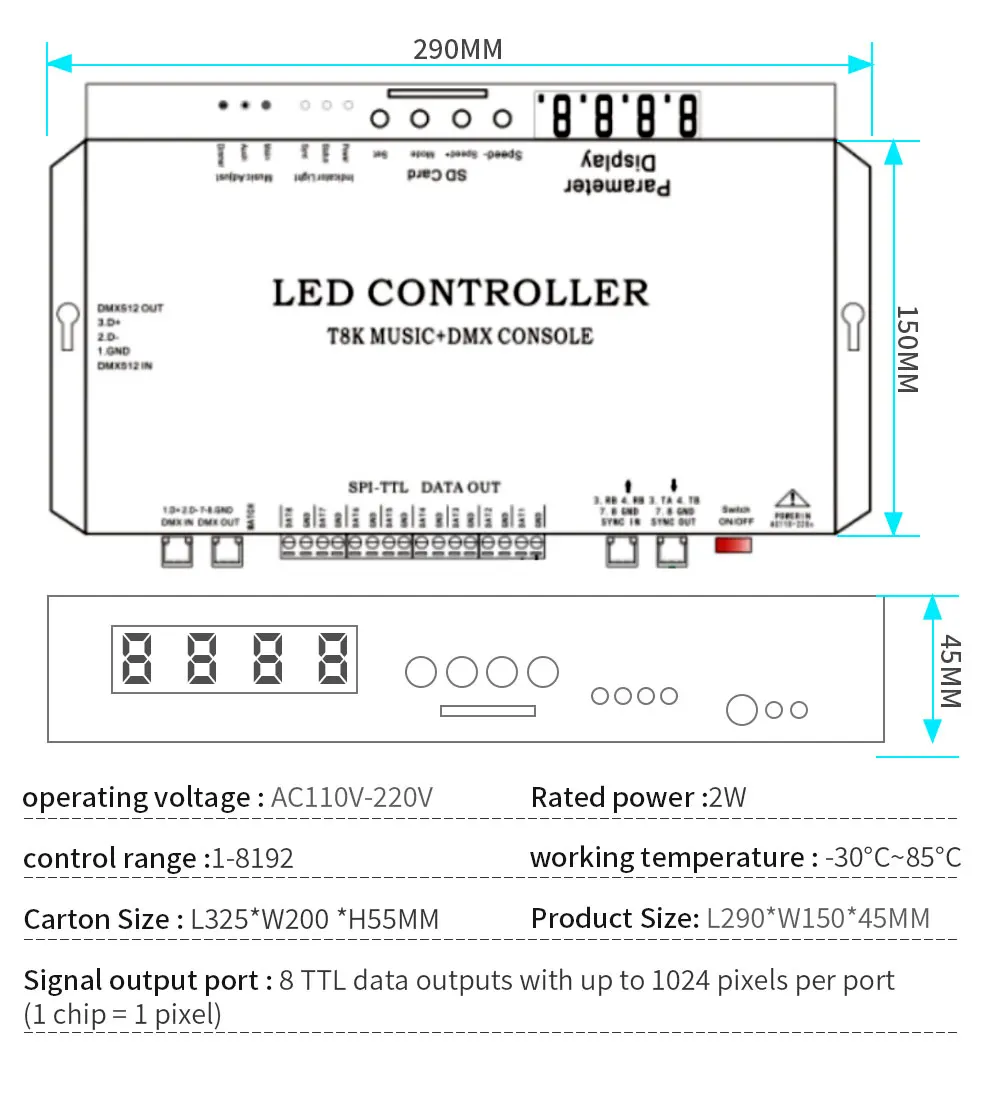
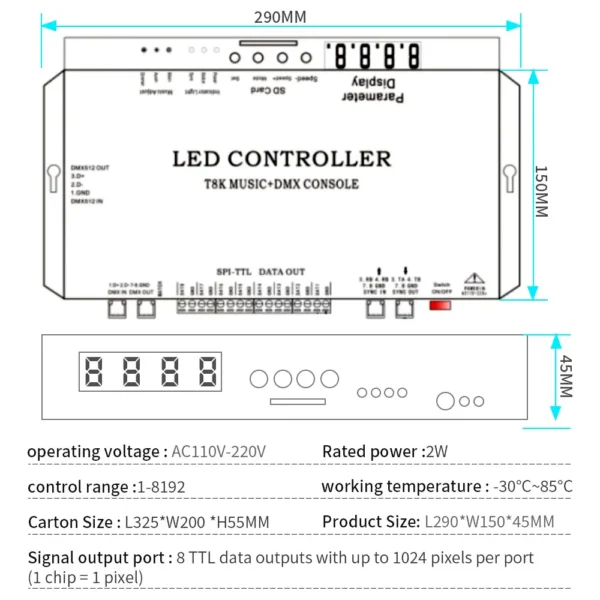
1. Working voltage: AC110V-220V
2. Rated power: 2W
3. Signal output port: 8 ports TTL data output, each port can carry up to 1024 pixels (1 chip = 1 pixel)
4. Control range: 1-8192
5. Working temperature: -30°C~85°C
6. Product size: 280*150*45MM
7. Net weight: 1KG



LEDEdit TM –
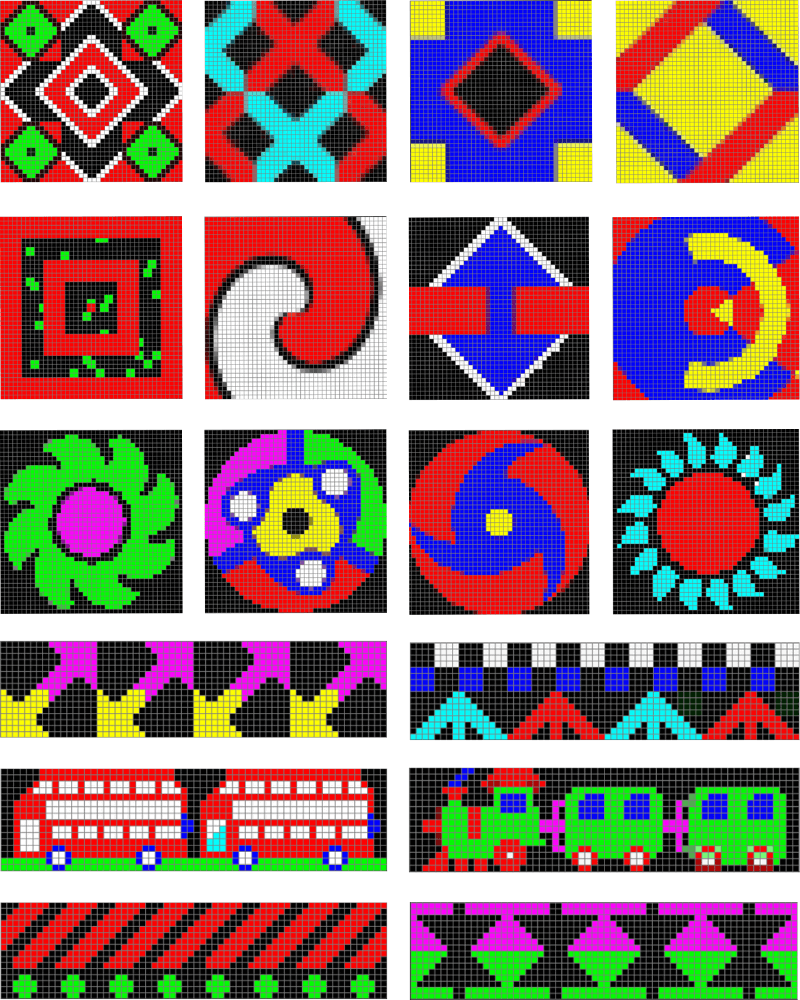
Pixel LED Effects Download Pack: 7000 Effects for LEDEdit
https://lededittm.com/pixel-led-effects-download-pack-7000-effects-for-lededit
Pixel LED Effects Download Pack For LEDEdit, NeonPlay, LEDEasy, LEDBuild, Madrix, Jinx, and Glediator.
The best video effects and animations for Pixel LED software.
– Files: 7000+
– Size: 25 GB+
– Formats: SWF, TOL, AVI, MP4, and GIF